Export Data
Overview
- Export data list and reports in Microsoft excel from Splendid Accounts keep as a backup, or to access without logging in to Splendid Accounts.
- Understand the items and file formats you can export and how.
How it works
- There isn’t a one-step feature to copy all of the company data. However, you can export data from individual areas of Splendid Accounts, and reports from our reports screen.
- Our security means your company data is backed up and protected online so that it’s always available to access when you log in.
- You’re responsible for keeping records of data entered in Splendid Accounts, so we recommend you regularly perform your backups in exported files.
- Your user role determines the data you can export. The admin and owner user role lets you run and export all reports.
Data list and Reports you can export
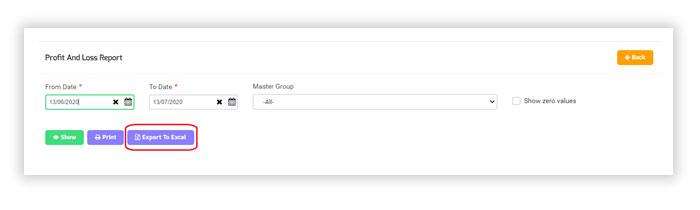
You can export most reports and data list from many areas of Splendid Accounts by click on the Export to Excel button.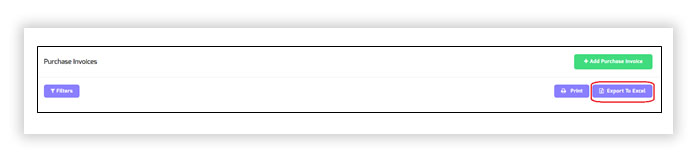
Data list you can Export out
- Customer list
- Vendor list
- Product list
- Customer category list
- Vendor category list
- Product category list
- Taxes
- Warehouse list
- Adjustment Type list
- Consignment list
- Customer field list
- Sales geography list
- Master Group list
- Sales module list
- Purchase module list
- Accounts module list
- Manufacturing module list
- Inventory list
- POS checkout list
The report you can Export out
- Sales report
- Manufacturing report
- Purchases report
- Business overview report
- Accounts report
- Inventory report