Set due dates for Vendor
You can set the credit limit days at the vendor page on which system calculates the due date for the vendor and displays on Purchase invoice. By default, the due date is of one month.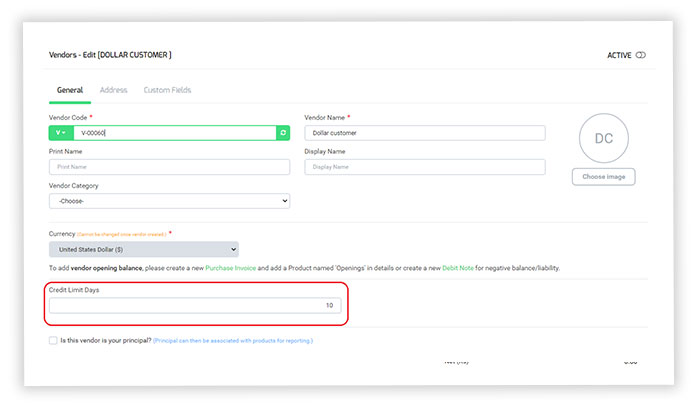
The credit limit days you select in above image , will reflect in the due date field as below.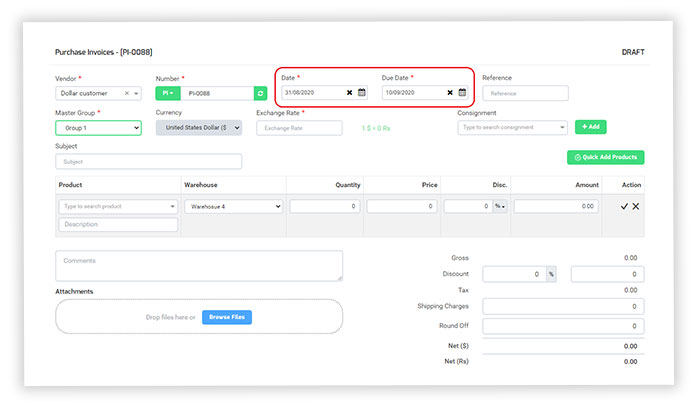
Description and narration at the advance filter
Two new filters have been added at all screens were available for the product description and narration of the document in the advance filters option.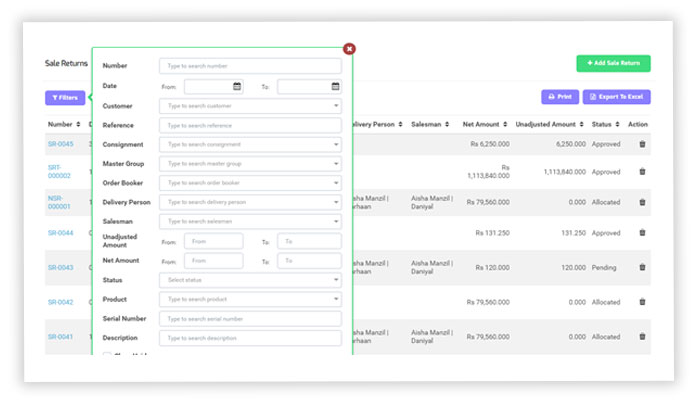
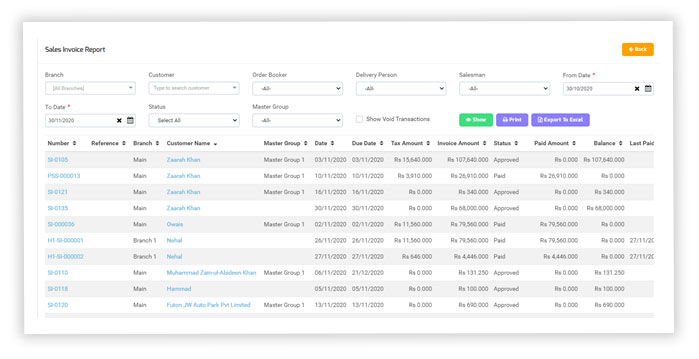
Tax column added at sale/purchase invoice report
A new column has been added in the Sale Invoice Report and Purchase Invoice Report named as “Tax Amount Column” so the user can review the tax separately from the report.