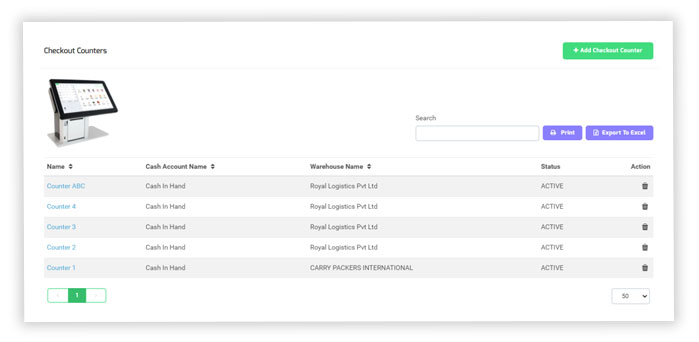
Checkout Counter
The Checkout counter is a necessary part of the shopping mall and supermarket, more and more attention is paid to customers, the checkout counter is commonly known as the payment desk. It is the place where customers pay for transactions, and also the place where customers stay at the end of the store.
The good or bad impression made by customers here determines whether they will come for a second visit. For any retail store, the importance is self-evident in addition to the main function of the cash register, the checkout counter will play a special role in attracting customers’ attention
Add Checkout Counter
- In the left navigation menu, select checkout counter.
- Click “+Add Checkout Counter” to add a new counter.
- Click “Save and Continue Edit” to save the counter as a draft, click “Save and New” to record a new counter and save the previous one or click “Save and Close” to close the counter.