Change user roles to an existing user​

You are here:
Estimated reading time: < 1 min

Change user roles to an existing user

You can update the permissions for an already invited user for a specified company by clicking on the roles icon.
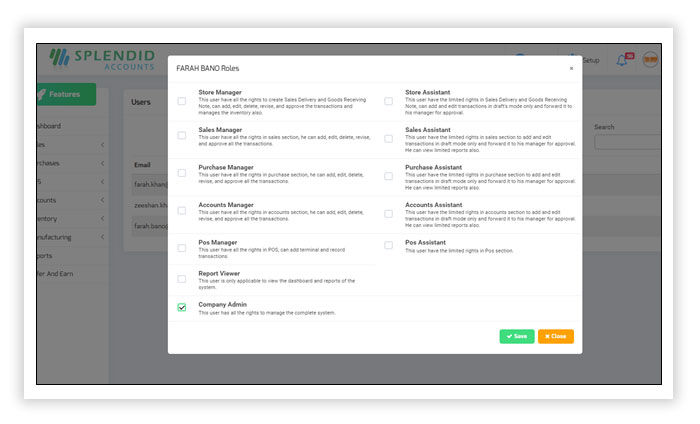

Change user roles to an existing user

Was this article helpful?
Dislike 0
Views: 44

Need help?

We’ve seen that businesses like yours often need guidance choosing the right ERP. Our consultants can help you find the perfect solution.

Splendid Accounts Chat
Need Help?
Splendid Accounts AI Assistant · 24/7
Have a Question? Chat with us instantly on WhatsApp
👋 Welcome to Splendid Accounts, how can we help you today?